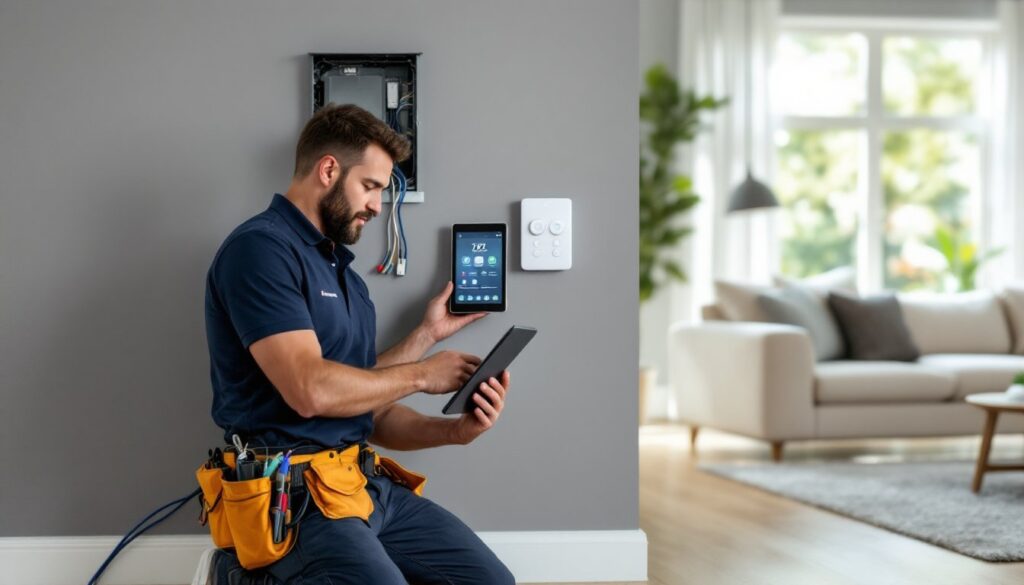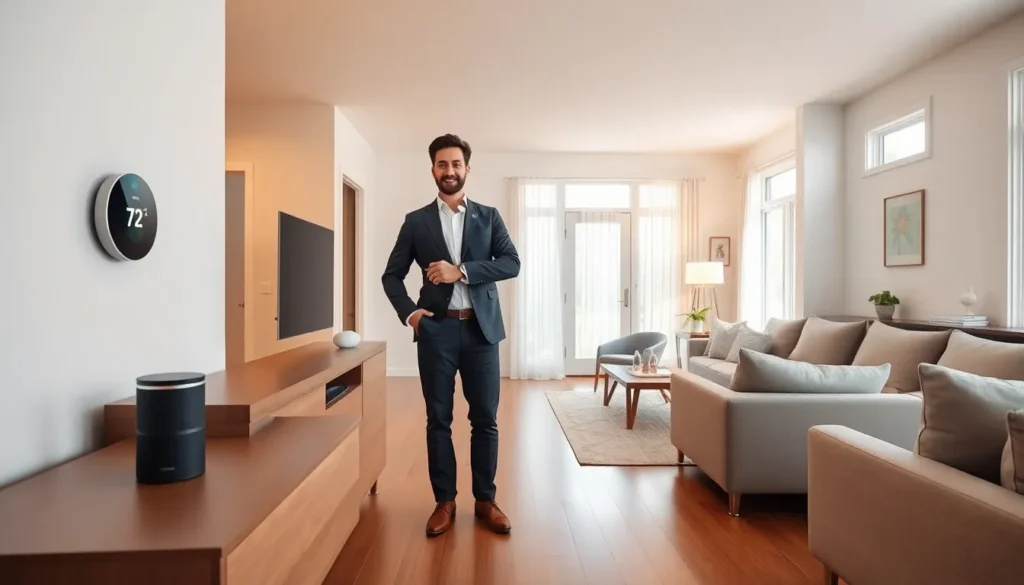

This home automation guide covers everything beginners need to know about building a smarter living space. Smart home technology has moved from luxury to mainstream, with millions of households now using connected devices for convenience, security, and energy savings. Whether someone wants to control lights with their voice or monitor their home from anywhere, home automation offers practical solutions for everyday life. This guide breaks down the essentials: what home automation actually means, the key components involved, popular categories to explore, and clear steps to get started.
Table of Contents
ToggleKey Takeaways
- Home automation connects everyday devices like lights, thermostats, and locks to a central hub for remote or voice control.
- Start your home automation journey by defining clear goals—whether saving energy, improving security, or adding daily convenience.
- Choose one ecosystem early (Amazon Alexa, Google Home, or Apple HomeKit) to avoid compatibility issues as you expand.
- Smart lighting is the ideal entry point for beginners due to its affordability and immediate usefulness.
- Add devices gradually and create automations (routines) to transform individual gadgets into a unified smart home system.
- A reliable internet connection and optional smart hub are essential components for smooth home automation performance.
What Is Home Automation?
Home automation refers to the technology that allows devices and systems within a home to communicate and operate automatically or through remote control. At its core, a home automation system connects everyday household items, like thermostats, lights, locks, and cameras, to a central hub or network. Users can then control these devices through smartphone apps, voice commands, or preset schedules.
The concept isn’t new. Programmable thermostats have existed for decades. But modern home automation takes this further by linking multiple devices together. A single command can dim the lights, lock the doors, and lower the thermostat simultaneously.
Three main technologies power most home automation setups:
- Wi-Fi: Uses existing home networks: easy to set up but can strain bandwidth with many devices
- Z-Wave: A low-energy wireless protocol designed specifically for smart home devices
- Zigbee: Similar to Z-Wave, offering reliable device-to-device communication
Many home automation systems also integrate with voice assistants like Amazon Alexa, Google Assistant, or Apple HomeKit. This integration makes controlling a smart home as simple as saying, “Turn off the kitchen lights.”
The appeal of home automation goes beyond convenience. Automated systems can reduce energy consumption by adjusting heating and cooling based on occupancy. They can improve security through motion sensors and smart locks. For people with mobility challenges, home automation provides greater independence.
Essential Components of a Smart Home
Building a functional home automation system requires a few key components. Understanding these pieces helps beginners make smarter purchasing decisions.
Smart Hub
A smart hub acts as the central brain of a home automation setup. It connects different devices and allows them to communicate with each other. Popular options include Samsung SmartThings, Hubitat, and Apple HomePod Mini. Some systems work without a dedicated hub, using Wi-Fi connections directly, but a hub often provides better reliability and more advanced automation options.
Smart Devices
These are the individual products that perform specific functions:
- Smart bulbs and switches control lighting
- Smart thermostats manage heating and cooling
- Smart locks secure entry points
- Smart plugs turn ordinary appliances into connected devices
- Smart sensors detect motion, temperature, water leaks, and more
Voice Assistant
While optional, a voice assistant adds significant convenience to any home automation setup. Amazon Echo, Google Nest, and Apple HomePod devices let users control their smart home hands-free. They also serve as hubs for certain ecosystems.
Mobile App
Nearly every home automation product comes with a companion app. These apps allow remote control, scheduling, and monitoring. Some users prefer a single unified app (like SmartThings or Home Assistant) to manage all devices from one interface.
Reliable Internet Connection
Home automation depends heavily on stable internet. A weak or inconsistent connection can cause delays, failed commands, and frustration. Investing in a quality router, or a mesh network system for larger homes, pays off quickly.
Popular Home Automation Categories
Home automation spans many categories. Most beginners start with one or two areas before expanding their smart home ecosystem.
Lighting
Smart lighting is the most common entry point for home automation. Products like Philips Hue, LIFX, and Wyze bulbs offer app control, dimming, color changes, and scheduling. Smart switches from brands like Lutron or Leviton control existing fixtures without replacing bulbs.
Climate Control
Smart thermostats save energy and improve comfort. The Nest Learning Thermostat, Ecobee, and Honeywell Home models learn household patterns and adjust temperatures automatically. Many utility companies offer rebates for installing these devices.
Security and Monitoring
Home automation enhances security through:
- Video doorbells (Ring, Nest, Arlo)
- Indoor and outdoor cameras
- Smart locks (August, Schlage, Yale)
- Motion and entry sensors
- Water leak detectors
These devices send alerts to smartphones, allowing homeowners to monitor their property from anywhere.
Entertainment
Smart speakers, streaming devices, and multi-room audio systems fall under this category. Products like Sonos, Roku, and Fire TV integrate with home automation systems for voice control and automated routines.
Appliances
Smart refrigerators, washers, dryers, and ovens are becoming more common. These appliances offer remote monitoring, usage alerts, and in some cases, automated ordering of supplies.
How to Get Started With Home Automation
Starting a home automation journey doesn’t require a massive budget or technical expertise. A practical approach involves starting small and expanding over time.
Step 1: Define Goals
What problems should home automation solve? Common motivations include:
- Reducing energy bills
- Improving home security
- Adding convenience to daily routines
- Supporting aging-in-place needs
Clear goals guide purchasing decisions and prevent buying unnecessary gadgets.
Step 2: Choose an Ecosystem
Picking a platform early prevents compatibility headaches later. The three major ecosystems are:
- Amazon Alexa: Largest device compatibility, affordable entry points
- Google Home: Strong integration with Google services, excellent voice recognition
- Apple HomeKit: Best privacy features, tighter device requirements
Most devices work across multiple ecosystems, but staying within one family simplifies setup and control.
Step 3: Start With One Category
Beginners often succeed by focusing on a single category first. Smart lighting makes an excellent starting point, it’s affordable, immediately useful, and teaches the basics of home automation without complexity.
Step 4: Add Devices Gradually
Resist the urge to automate everything at once. Add new devices every few weeks or months. This approach allows time to learn each product, troubleshoot issues, and determine what actually improves daily life.
Step 5: Create Automations
Once several devices are connected, users can build automations, sometimes called “routines” or “scenes.” Examples include:
- Lights turn on at sunset
- Thermostat adjusts when everyone leaves
- Morning routine turns on coffee maker, adjusts lights, and plays news
These automations transform a collection of smart devices into a true home automation system.